
VIVE Desk
Building Spatial Interactions for a Flexible Virtual Workspace
/ 01 Overview
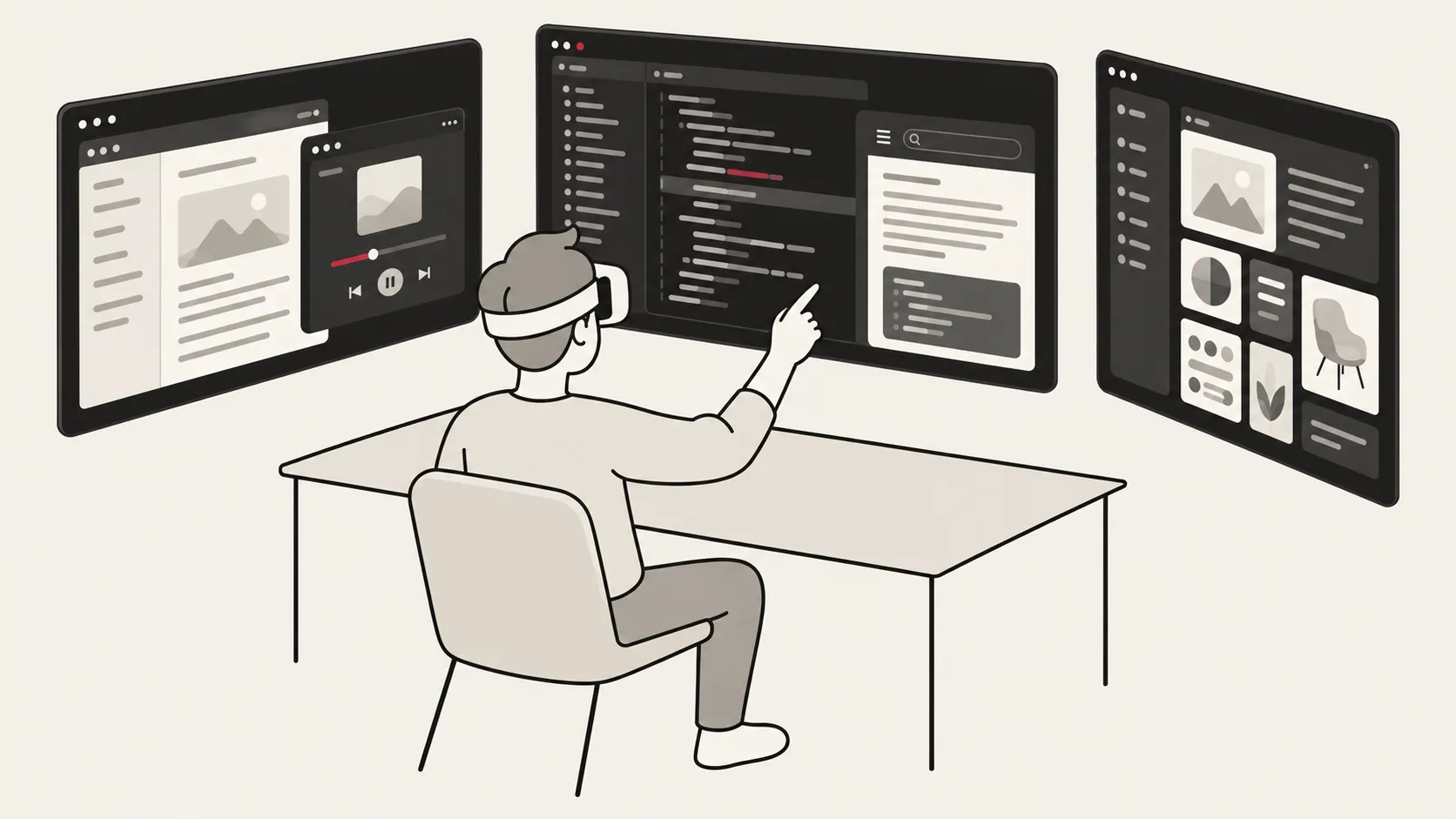
VIVE Desk is a virtual workspace application developed by HTC VIVE and shipped with VIVE XR Elite and VIVE Focus Vision. This app allows users to view their PC screens in VR and work in a virtual workspace beyond the limitations of physical monitors and desk space.
As a software engineer on the VIVE R&D App team, I was responsible for most of the client-side development using Unity. I contributed to this project by implementing features such as hand-based interaction, in-app workspace redefinition, and window manipulation.
During this project, my role included not only implementing predefined functionality but also helping identify interaction problems and proposing solutions. I worked with engineers and incorporated feedback from UX designers to refine and implement these interactions.
Details
| Organization | HTC VIVE |
|---|---|
| Product | VIVE Desk |
| Role | Software Engineer — VR Client |
| Engineering Team | 2 engineers |
| Timeline | 2023–2025 |
| Platform | Unity / C# / Android VR |
Product walkthrough
VIVE Education - Setting up and using VIVE Desk
Product Evolution
When I joined the team in 2023, VIVE Desk already supported PC streaming with a fixed display layout of up to three virtual monitors.
VIVE Desk was publicly released in 2024 and continued to evolve through subsequent updates.
During my time on this project, our team refactored the application architecture and developed several features, including flexible display layouts, multiple display resolutions, free window arrangement, hand-based interactions, in-app workspace redefinition, and additional content types such as WebView and App View.
My primary contribution to this evolution was developing and refining client-side interactions rather than the underlying streaming systems or overall application architecture.
Before / Early 2023
Fixed Virtual Monitors
Up to 3 PC displays with fixed 16:9 aspect ratios
Input methods
Mouse + controller
After / Product Evolution
Flexible Spatial Workspace
Resizable, freely arranged windows with varied content and flat or curved displays
Input methods
Mouse + controller+ Hand interaction
Key Contributions
01 /
Workspace Redefinition
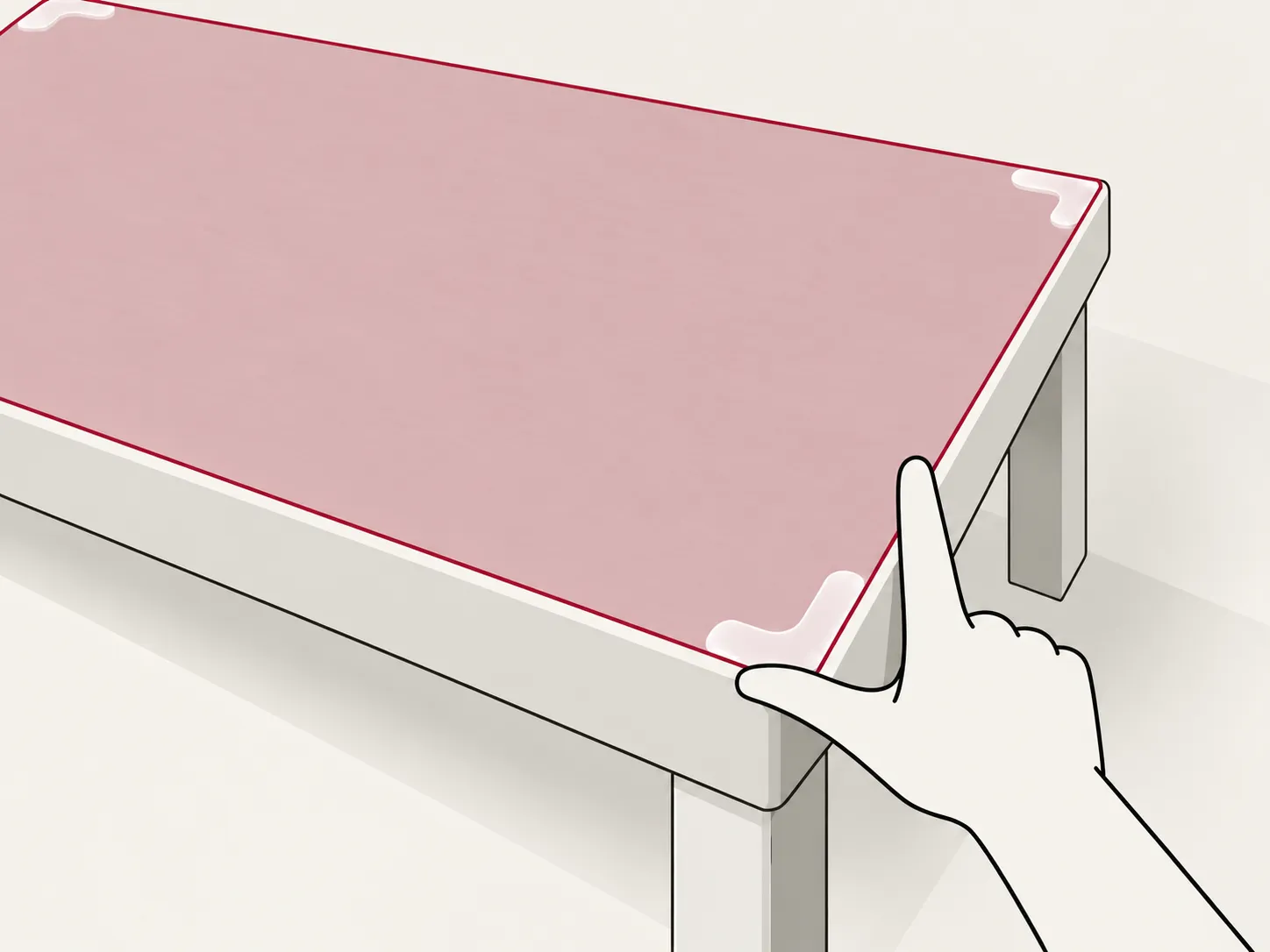
Participated in defining, designing, and implementing interactions for configuring the virtual workspace to align with the user’s physical desk, including height and orientation adjustments. This work contributed to a patented invention for which I am listed as the first inventor.
02 /
Hand-Based Interaction
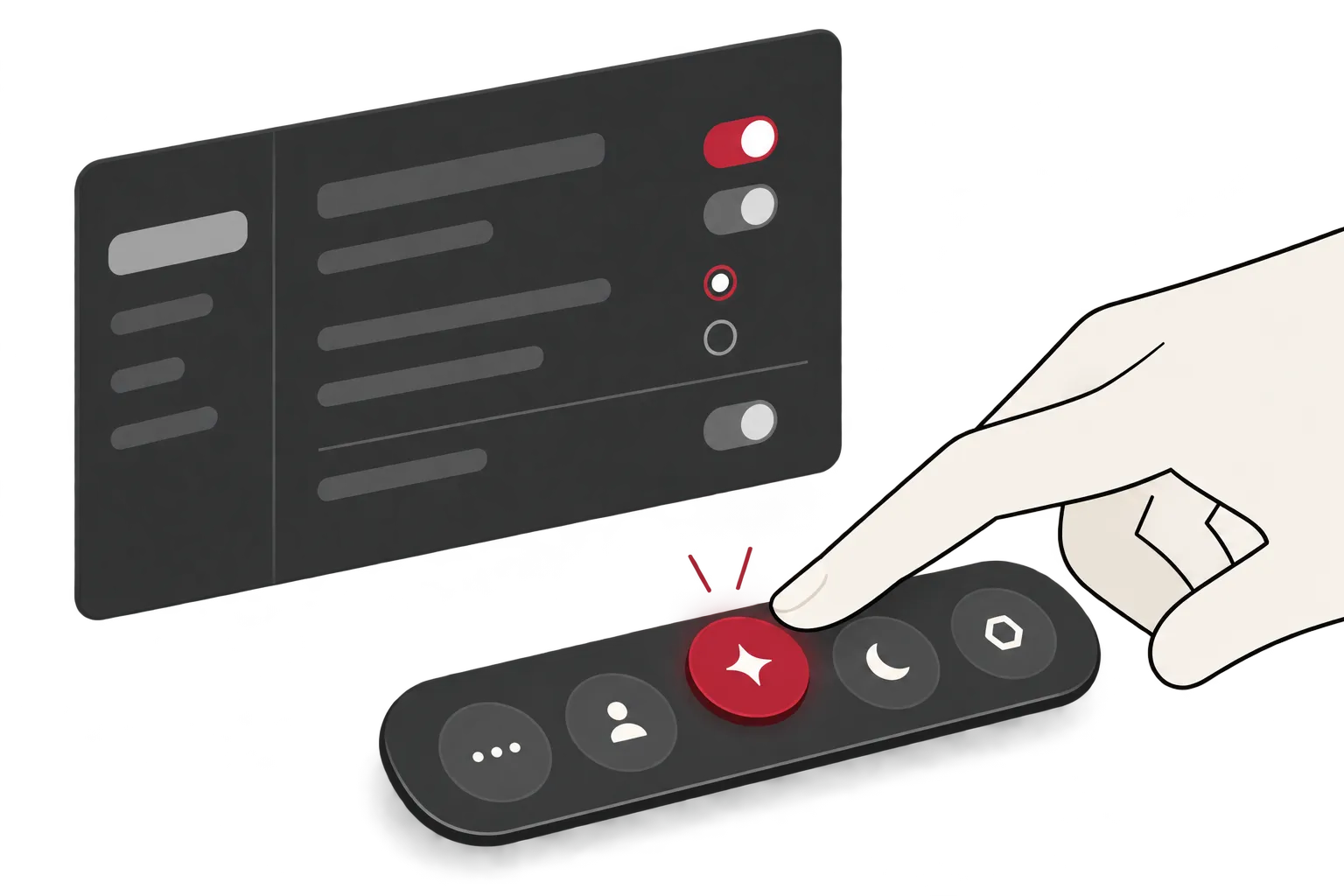
Worked as a team to develop and refine hand-based interactions. My contributions included prototyping and refining direct-touch behaviors, implementing gesture detection and toolbar recentering, and making UI adjustments to support other hand gestures.
03 /
Spatial Workspace Interactions
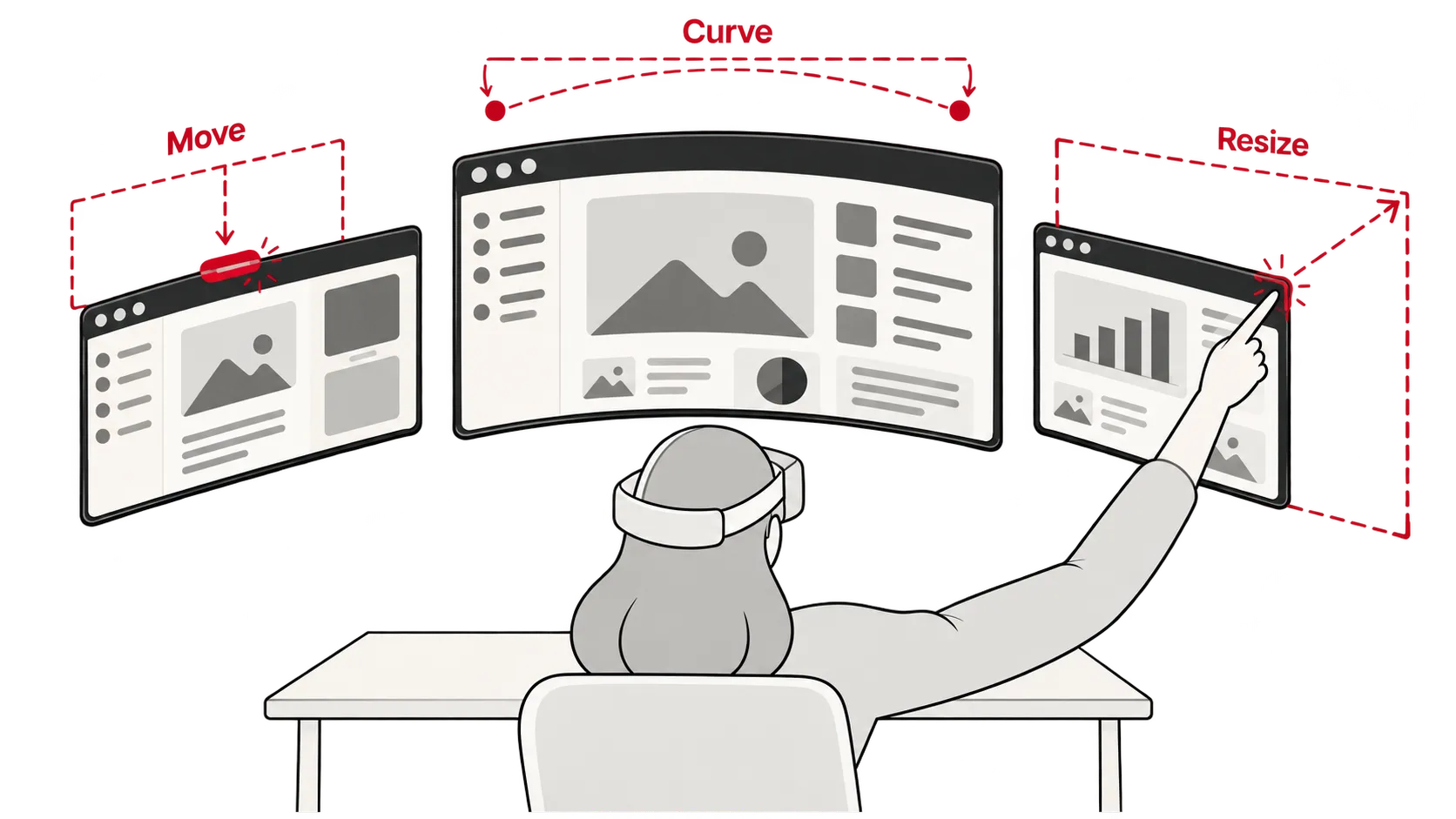
Implemented client-side interactions supporting flexible virtual workspaces, including window positioning, resizing, display configuration, and curvature controls
AI-assisted conceptual illustration based on original sketches.
Feature Deep Dives
04.1 /
Workspace Redefinition
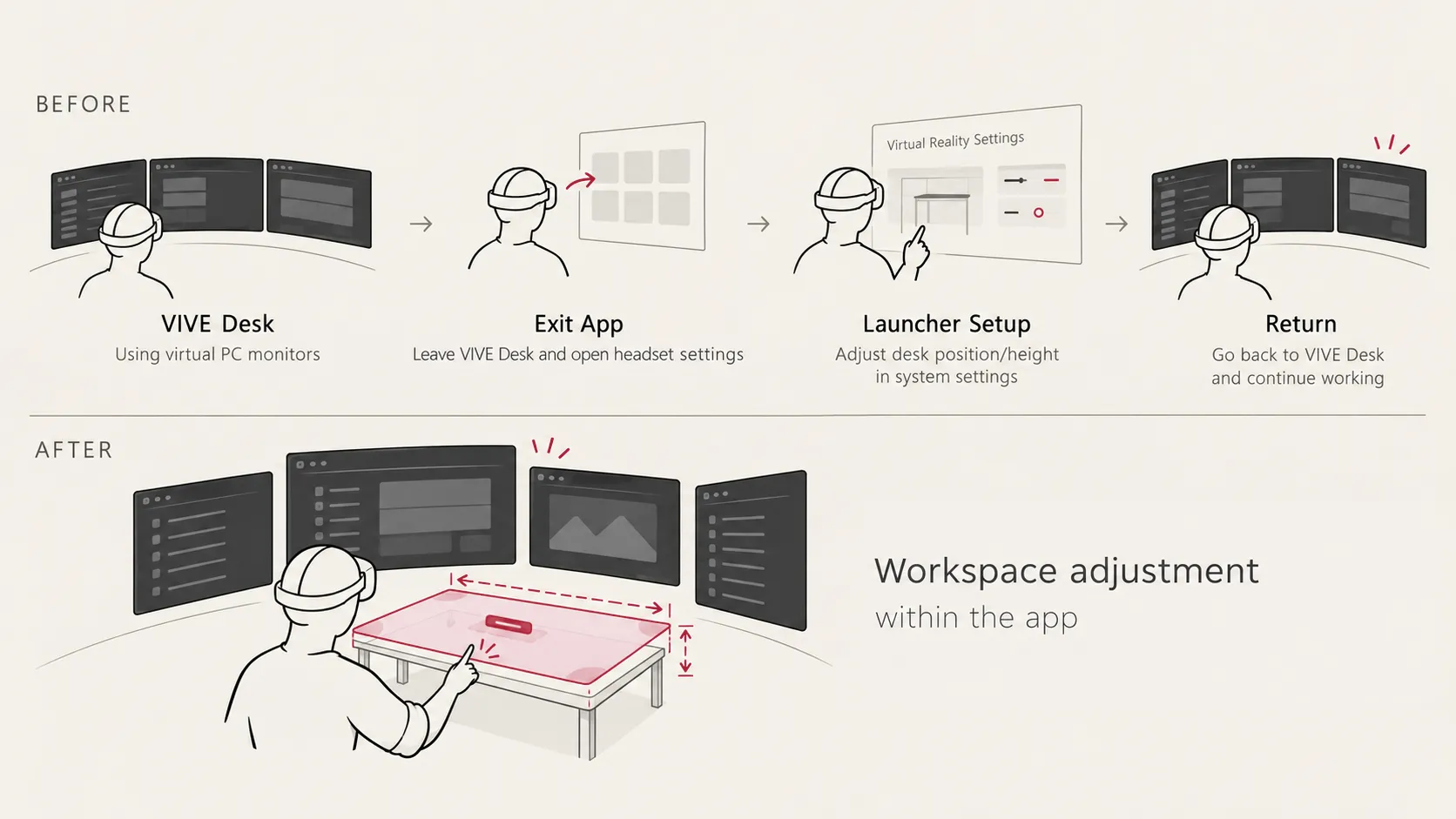
One of my contributions to VIVE Desk was improving the workflow for redefining the user’s virtual workspace.
Problem
Aligning the virtual workspace with the user’s physical desk is an important part of setting up VIVE Desk.
Before this feature, users had to leave VIVE Desk and open the headset’s settings to reconfigure their workspace. After making adjustments, they had to return to the app to continue working. This interrupted their workflow and added unnecessary steps.
Define Workspace
Form an L-shape, align the workspace preview with the physical desk, then pinch to confirm.
Resize Workspace
Pinch the right corner and pull to widen the workspace. The center handle stays horizontally centered.
Adjust Height
Pinch the center handle to lift the workspace, lower it back to the desktop, then release.
AI-assisted conceptual illustration based on original sketches.
Design Decisions
VIVE Desk uses the desk’s position and orientation as a reference for the virtual workspace. The default positions of the toolbar and virtual windows are determined relative to the desk, making its placement especially important.
To reduce the time needed for setup, we wanted a gesture that could define the desk’s position, height, and orientation in a single step. The gesture was inspired by the right-hand rule, which uses the relationship between two vectors to determine a perpendicular direction.
We decided to use a default desk size for the initial setup, while keeping options for fine-tuning the size, height, and orientation afterward.
Iteration & Outcome
Our initial prototype used a plain image to indicate the interaction area. The UX team helped refine the visual presentation and tune the interaction thresholds of our original design.
The feature was shipped in a production release, allowing users to redefine their workspace without leaving VIVE Desk.
This work also contributed to a patented invention for which I am listed as the first inventor.
04.2 /
Hand-Based Interaction
Context
When I joined the project, VIVE Desk supported only mouse and controller inputs. As the product evolved, our team began adding hand-based interactions to provide another input method without requiring physical controllers.
Direct Touch Click
Design & Implementation
Our team used hand-tracking data from Wave SDK to develop custom interactions for VIVE Desk, including direct touch and gesture-based controls.
I initially developed a prototype for direct-touch interaction. The project owner later took the lead in refining and implementing the core behavior, while I contributed to subsequent adjustments and UI integration.
For gesture-based controls, we discussed possible gestures and their behaviors together. I implemented gesture detection for selected interactions and took primary responsibility for the toolbar recentering feature. I also made UI adjustments to support other gestures, including toolbar collapse.
During pinch-based dragging, I noticed that the UI would jitter when following the tracked hand position directly. I used linear interpolation (Lerp) to smooth the movement and adjusted gesture recognition thresholds to maintain a more stable pinch state.
Outcome
These interactions were integrated into VIVE Desk, expanding the available input methods beyond mouse and controllers.
Reflection
Working on VIVE Desk helped me improve my engineering skills and learn to identify interaction problems. Looking back, I realized that reducing the number of steps alone is not sufficient evidence of better usability.
Although the redesigned workflow removed the need to leave the app, I did not systematically compare our interaction design with alternative approaches, so I could not determine how much it improved usability.
If I were to revisit this project, I would compare the one-step calibration approach with a step-by-step alternative through usability testing, measuring task completion time, adjustment errors, and user effort to better understand their trade-offs.